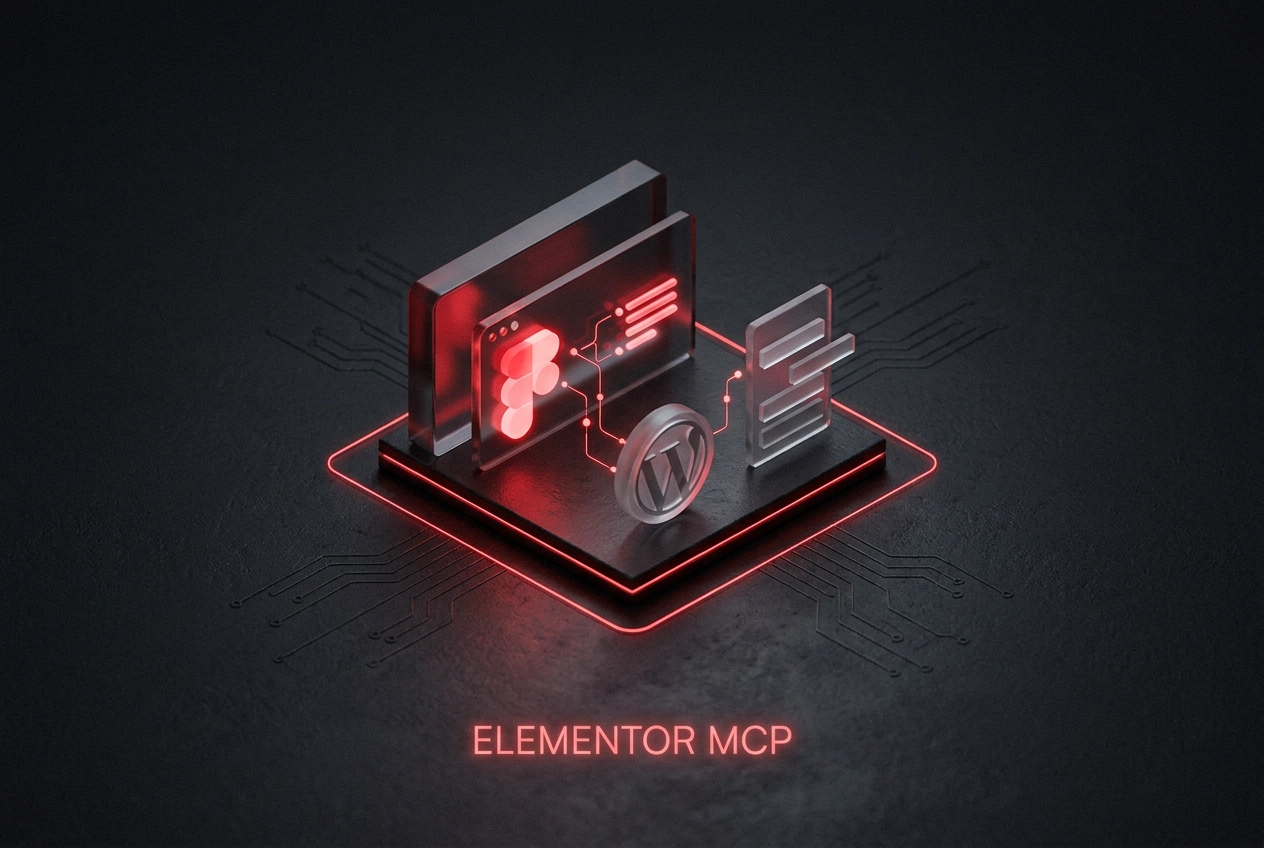
Imagine turning a Figma design into a fully built Elementor page without manually recreating every section, widget, and style setting. That is exactly what Elementor MCP makes possible, and it represents one of the most significant shifts in WordPress development workflow in recent years.
Introduced in beta with Elementor 4.3 in September 2025, and made available to everyone in 2026, Elementor MCP is an AI-powered integration that connects tools like Claude directly to the Elementor builder. When combined with Figma MCP, developers can instruct an AI assistant to read a design file and build the corresponding page inside Elementor automatically. The result is a faster, smarter development process that amplifies what developers already know rather than forcing them to learn an entirely new system.
In this tutorial, you will get a clear breakdown of everything you need to know about this feature. We will cover what the Model Context Protocol actually is, how Elementor MCP works in practice, the Claude and Figma workflow explained step by step, its current capabilities and limitations, and how to get started today. Whether you are a freelancer, agency developer, or WordPress professional, this guide will show you exactly why Elementor MCP is worth your attention.
What Is the Model Context Protocol (MCP)?
MCP, or Model Context Protocol, is an open standard published by Anthropic in December 2024 that allows AI assistants like Claude to communicate directly with external tools and services in a structured, bidirectional way.
Without MCP, working with AI alongside a design or build tool means manually copying context back and forth: describing your layout, pasting code snippets, relaying instructions between windows. MCP eliminates that relay. It creates a live connection so the AI can read context from a tool and issue actions to it simultaneously, within the same session.
A useful frame: MCP gives your AI assistant hands. Rather than you describing what is on an Elementor page, Claude can read the page structure directly. Rather than you translating a Figma design into instructions, Claude can access the design file itself and act on what it sees. The AI moves from advisor to active participant in your build environment.
MCP is not exclusive to Elementor. The protocol is being adopted across the WordPress ecosystem, with builders including Divi and Bricks also integrating MCP support, positioning it as an emerging industry standard rather than a proprietary addition tied to one platform.
You do not need to understand the underlying protocol architecture to benefit from it. A working knowledge of what MCP enables is enough to put Elementor MCP to practical use, which is exactly the level the following sections are written for.
What Is Elementor MCP and When Did It Launch?

With MCP established as the protocol layer, here is what Elementor’s implementation specifically does and when it arrived.
Elementor MCP is a native integration that connects AI assistants directly to the Elementor builder environment inside WordPress. Once connected, the AI can read your current page structure, identify components and layout hierarchy, and execute design changes or build new sections entirely through natural language instructions. You describe what you want; Elementor MCP gives the AI the access it needs to act on that description directly within the builder.
The integration was introduced as part of a broader AI-driven shift in the WordPress development ecosystem, coinciding with MCP adoption across multiple major page builders. For those building within a modern WordPress technology stack combining Elementor, SEO, and AI tooling, this shift is less a disruption and more a natural next step.
Two practical details matter significantly for real-world adoption:
- Architecture compatibility. Elementor has described compatibility with both Classic and Atomic architectures, check the official help centre for current confirmation before migrating production sites.
- Full undo support. Elementor has indicated undo support is part of the integration, verify this against current official documentation before relying on it for production work.
Together, these two qualities make Elementor MCP immediately practical rather than purely experimental.
The Claude + Figma + Elementor MCP Workflow Explained
With Elementor MCP established as the integration layer, the practical question becomes: how does a three-tool workflow actually operate in sequence?
The pipeline connects Claude, Figma (via its own MCP integration), and Elementor simultaneously. Claude sits at the centre, holding read access to your Figma design file and write access to your Elementor builder environment at the same time.
Step 1: Connect. Configure Claude with both Figma MCP and Elementor MCP so both tools are live within the same Claude session. This single connection step is what makes the rest of the workflow possible.
Step 2: Instruct. Reference a specific frame or component in your Figma file and describe what you want built. Critically, Claude reads the design specifications directly from Figma rather than relying on your verbal description alone, which is where design fidelity begins.
Step 3: Execute. Claude translates those Figma specifications into Elementor components, placing elements, applying styling, and structuring the layout with minimal manual input. Much like AI content creation is becoming a collaborative workflow, the output here is a strong AI-generated draft that you direct and refine rather than build from scratch.
Step 4: Review and refine. You remain inside the Elementor builder throughout. You can inspect outputs, request plain-language adjustments, or manually edit exactly as you would with a handcrafted build.
The result is a largely automated design handoff: the manual, error-prone process of translating an approved Figma design into a working Elementor page is compressed into a directed, reviewable workflow.
Key Capabilities of Elementor MCP
That workflow sits on top of five specific capabilities that define what Elementor MCP can actually do.
As noted, the integration spans both Classic and Atomic architectures, check official documentation for current confirmation on your specific setup.
Multi-AI compatibility ensures the protocol is not tied exclusively to Claude. While Claude is currently the most documented AI assistant for Elementor MCP workflows, the underlying standard supports multiple AI platforms. As the AI assistant landscape continues to shift, teams retain the flexibility to work with whichever tool best fits their setup.
Natural language control removes the need to navigate panel menus, drag widgets into position, or write CSS manually. You instruct the builder conversationally, and the AI executes the change directly within Elementor.
Design fidelity from Figma is a direct consequence of how the AI reads source material. Because it pulls specifications from your Figma file rather than relying on your verbal description alone, the built page reflects the approved design far more accurately than a manual interpretation would.
Ecosystem compatibility extends the value beyond Elementor itself. The Model Context Protocol is also supported by other builders including Divi and Bricks, positioning it as a growing standard. Workflows you build around MCP today are likely to carry forward as more tools adopt the same protocol.
Why Elementor MCP Changes the Development Workflow
Those capabilities matter most when they translate into a fundamentally different way of working, which is precisely what Elementor MCP delivers.
MCP amplifies Elementor knowledge rather than replacing it. Developers who already understand Elementor’s structure can immediately direct an AI assistant to execute tasks faster, without abandoning familiar tools or relearning interfaces from scratch. That distinction matters: this is an augmentation model, not a displacement one. The practitioners who benefit most are those who bring existing knowledge and use AI to move further, faster.
Practitioners describe the combination of existing Elementor knowledge, AI, and MCP as a genuine paradigm shift. The persistent frustration of keeping pace with evolving tool interfaces is significantly reduced when AI handles the mechanical execution.
The design-to-build handoff is where the time savings are most tangible. Historically, translating a finished design into a working page is one of the most error-prone stages of any web project. When Figma MCP and Elementor MCP operate together, that stage compresses considerably.
For agencies and freelancers, fewer hours spent on mechanical translation means more capacity for strategy, client communication, and creative thinking, which is where competitive advantage is actually built.
How to Get Started with Elementor MCP
Ready to put that workflow into practice? Here is what you need in place before your first Elementor MCP session.
Prerequisites
- An active Elementor installation, Classic or Atomic architecture both work
- Claude, accessed via the Claude desktop application or another MCP-compatible interface
- A Figma account, required only if you plan to use the Figma-to-Elementor pipeline
Step 1: Install and Configure Elementor MCP
Follow the setup documentation in the official Elementor help centre. The process generally involves enabling the MCP server connection within your Elementor environment and generating the authentication credentials that allow Claude to communicate with your site securely.
Step 2: Connect Claude to Elementor MCP
Add the Elementor MCP server configuration to your Claude settings. Once added, verify the connection is live by issuing a simple test prompt, asking Claude to describe the current page structure is a reliable first check.
Step 3: Add Figma MCP (If Using the Design Pipeline)
Add Figma MCP to your Claude configuration alongside Elementor MCP so both tools are accessible within the same session. Open the Figma file you intend to build from before issuing any build instructions.
Step 4: Run a Contained Test Build
Ask Claude to build a single section from one specific Figma frame rather than attempting a full page immediately. This lets you assess output quality and refine your review process before committing to larger builds.
Note: Setup steps may change as Elementor continues updating its MCP documentation. Always check the official Elementor documentation and community forums for the most current guidance before configuring a new project.
What Elementor MCP Cannot Do Yet (And What to Watch)
Once you have MCP configured and your first test build running, it is worth being clear-eyed about where the tool currently falls short.
Complex interactions and advanced animations are the most common area requiring manual follow-up. AI-generated layouts handle structure and styling well, but precise widget configurations, sequenced animations, and custom CSS logic will typically need hands-on refinement after generation.
Treat every MCP output as a strong first draft, not a finished product. The integration accelerates execution considerably, but it does not replace professional quality judgment. On client-facing projects, developer review before delivery is not optional. AI functions as a generative collaborator rather than a creative replacement, and the same applies to development work.
Data privacy and security documentation around MCP workflows remains limited. How design assets and site structure data are handled, transmitted, and retained by AI services has not been extensively documented publicly. For confidential client projects, that gap is worth factoring into your decision before connecting a live site to an AI pipeline.
Real-world ROI data is still thin. Productivity claims should be treated as directional rather than validated until documented case studies with measured time savings become more widely available.
Non-developer users face a steeper learning curve. MCP does not remove the need for foundational Elementor knowledge. Reviewing, correcting, and iterating on AI outputs still requires someone who understands how Elementor works. The human with domain expertise remains essential.
Who Benefits Most from Elementor MCP?
Those limitations matter most for users who lack the foundation to catch and correct AI output. For everyone else, the picture shifts considerably.
Freelance web designers working across Elementor and Figma stand to gain the most, immediately. The Figma-to-Elementor pipeline compresses the handoff stage directly, converting lost time into deliverable output.
Web design agencies running multiple concurrent projects benefit through throughput. Faster page builds without a proportional increase in developer hours creates room to either improve margins or take on additional project capacity, without scaling the team to match.
Designers transitioning into development roles gain a practical bridge. Elementor MCP lowers the mechanical barrier between designing something and building it, reducing dependency on a separate developer while keeping the original design intent intact through the build process.
WordPress developers who want to stay current with AI-assisted tooling will find MCP a low-friction entry point. It integrates into an existing Elementor workflow rather than replacing it, so adoption does not require abandoning familiar tools or relearning from scratch.
For practitioners who work at the intersection of design, development, and digital strategy, as Kiampi Daniel’s practice does, Elementor MCP is a natural fit. The philosophy of using technology to deliver stronger, faster results for clients without compromising design quality is exactly what this integration is built to support.
The Bottom Line on Elementor MCP
Elementor MCP is an amplifier, not a replacement. The practitioners who get the most from it are those who already understand Elementor and design systems well enough to direct AI with precision, rather than hoping AI fills the gaps in their knowledge.
The Figma-Claude-Elementor pipeline is a meaningful step toward closing the design-to-build gap that has frustrated web professionals for years. Early practitioner testing suggests the workflow is technically feasible, even while documentation and real-world case studies continue to mature.
If you are already on Elementor, the most practical next move is straightforward: connect Claude with the Elementor MCP integration and run a single-section build from a Figma frame. A low-stakes internal or personal project is the right environment to calibrate output quality and refine your review process before applying it to client work.
The broader signal matters too. As MCP adoption expands across builders like Divi and Bricks, the teams and freelancers who build MCP literacy now will be positioned ahead of the curve when AI-assisted development shifts from early adopter territory to standard practice.
For bespoke WordPress web design that already combines design systems thinking with Elementor expertise, Elementor MCP is a natural and timely next step. If that describes your next project, it is worth exploring what this integration can do for your workflow today.
Conclusion
Elementor MCP represents a genuine shift in how WordPress sites get built, not just an incremental upgrade. The core takeaways are clear: the Figma-Claude-Elementor workflow is technically viable today, it rewards practitioners who already command strong design and Elementor fundamentals, and early adopters who build this literacy now will have a meaningful edge as AI-assisted development becomes standard practice.
The technology still requires skilled oversight. The practitioners who invest that time now will lead when AI-assisted development becomes industry standard practice.